
My AI Agent Caught a Supplier Price Change Before I Did
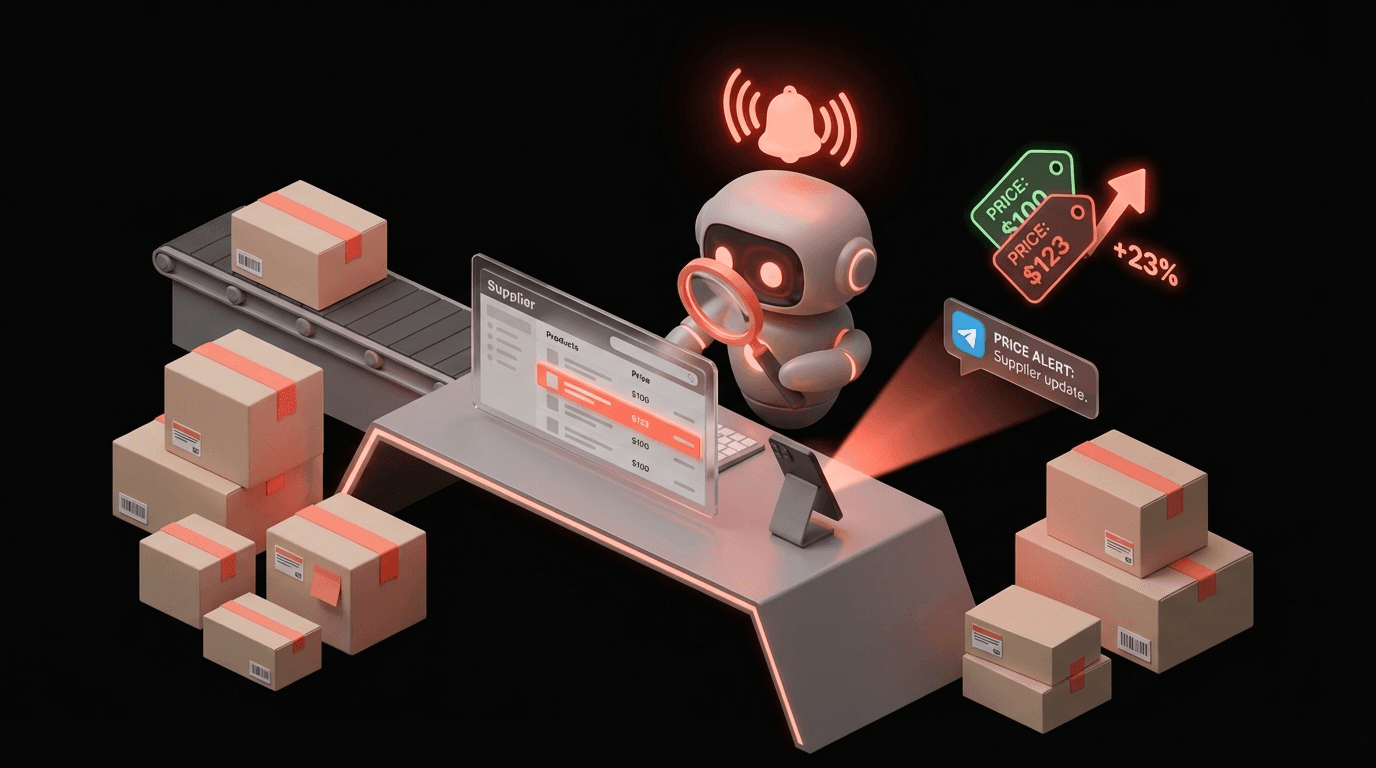
My AI agent monitors supplier pricing and sends Telegram alerts. It caught a 23% price hike before it hit my margins. Here's the full setup.
Reading about AI agents? RapidClaw gives you one that lives in Telegram & Discord, remembers everything, and runs your day — live in 60s, from $19/mo.
Get startedI was eating dinner on a Wednesday night when my phone buzzed with a Telegram notification. "ALERT: Supplier AquaPure has increased unit price on SKU AP-4420 from $14.30 to $17.60. Change detected at 19:42 UTC. This is a 23.1% increase."
I put my fork down. AP-4420 is my best-selling product. I move about 340 units a month on it. A $3.30 per-unit cost increase that I don't catch means I'm losing $1,122 in margin every single month. Silently. The kind of thing you don't notice until you're staring at your P&L eight weeks later going "why is gross margin down?"
But I caught it in real time. Because an AI agent was watching.
Some background on my situation#
I run a small dropshipping and white-label business. Nothing glamorous. I sell water filtration products and outdoor camping gear through two Shopify stores. Revenue last year was about $218,000, which sounds okay until you realize margins in dropshipping hover around 15-22% on a good day. Every dollar of supplier cost matters.
The problem with dropshipping is that you don't control your supply chain. Suppliers change prices whenever they want, sometimes without even sending an email about it. I used to manually check my top 15 supplier product pages every Monday morning. It took about 40 minutes and I'd often skip it when things got busy. I skipped it for three weeks once in October 2025 and didn't realize a supplier had bumped prices on 4 SKUs. Cost me around $2,100 in margin I'll never get back.
That's when I started looking for a monitoring solution.
How the monitoring agent works#
I set up an AI agent on RapidClaw with a pretty simple job: check a list of supplier product URLs twice a day (8am and 7pm), extract the current pricing, compare it to my stored baseline prices, and alert me via Telegram if anything changes by more than 2%.
The setup wasn't complicated but I want to be specific about what it actually does:
The agent has a list of 23 product URLs across 6 suppliers. On each scheduled run, it fetches the page content and looks for the wholesale/unit price. I gave it examples of how each supplier formats their pricing (some show it in a table, some in a product card, one of them buries it in a CSV download link). The agent extracts the number and compares it to my baseline spreadsheet.
If a price went up or down by more than 2%, I get a Telegram alert with the product name, SKU, old price, new price, percentage change, and a link to the supplier page so I can verify.
If nothing changed, I get a simple "All 23 SKUs checked. No price changes detected." message at 8:15am. I actually like getting the all-clear. It's reassuring.
The false positive disaster (week one)#
Here's where I messed up. During the first week, I got 11 alerts. Eleven. My heart rate was through the roof. I thought all my suppliers were changing prices simultaneously.
Turns out, 9 of the 11 were false positives. Some supplier pages load prices dynamically and the agent was occasionally grabbing a placeholder "$0.00" or a different currency format before the real price rendered. One supplier's page showed promotional pricing to logged-in wholesalers but retail pricing to unauthenticated visitors. The agent was seeing the retail price and panicking.
I spent a weekend re-tuning the agent's instructions. Added rules like "if the detected price is $0 or more than 50% different from baseline, flag as potential scraping error rather than price change." Told it to check each flagged URL twice with a 30-second gap before alerting. Added the logged-in wholesaler portal URL for that one supplier instead of the public page.
After that? False positives dropped to maybe one per month. Totally manageable.
The save that paid for everything#
Back to that Wednesday dinner. The AP-4420 alert was real. I verified it on the supplier's portal within 2 minutes of getting the Telegram message. They'd increased the wholesale price by 23.1% with no notice, no email, nothing. Just quietly updated the number on their portal.
Here's what I did in the next 90 minutes:
I updated my Shopify listing price from $28.99 to $33.99. Ran the math on what that would do to conversion rate (estimated 5-8% drop based on past price changes on similar products, turned out to be about 6.3%). Messaged the supplier asking for a volume discount since I'm a consistent buyer. They came back next morning with $16.80 instead of $17.60, which helped.
Then I kicked off a search through my supplier database for alternative sources for the same product spec. Found one at $15.10 per unit. I'm now split-sourcing between the two.
If I'd found this the old way (my Monday morning manual check, assuming I didn't skip it), I would have been selling 340 units at the old price while paying the new cost for potentially 2 to 5 weeks. That's somewhere between $1,122 and $2,805 in lost margin. My RapidClaw plan costs $19 a month. The math on this one isn't even close.
The daily routine now#
My mornings start with a glance at Telegram. The agent sends its 8:15am summary. Most days it's "all clear." Maybe once every two weeks there's an actual price change to investigate.
I've expanded the monitoring beyond just prices. The agent also checks if any of my supplier product pages return a 404 (meaning the product might be discontinued), and it watches two competitor Shopify stores for price changes on products that overlap with mine. That competitive monitoring has been surprisingly useful. I spotted a competitor dropping prices on three products in January, which tipped me off that they'd probably found a cheaper supplier. I investigated and found the same supplier.
The whole system runs on scheduled cron jobs through RapidClaw. Two checks per day, 23 URLs, results delivered to Telegram. I don't touch it unless I need to add or remove a URL from the watchlist. That happens maybe twice a month when I add or drop a product.
What I'd do differently#
If I were starting over, I'd spend more time upfront understanding how each supplier's page renders prices before building the monitoring list. My false positive week was entirely preventable if I'd just loaded each URL in a browser and checked how the pricing displayed. I was too eager to get the system running and paid for it with unnecessary stress.
I'd also set up separate alert channels. Right now everything goes to one Telegram chat. If I had price alerts in one channel and stock/404 alerts in another, it'd be easier to triage. Minor thing, but it'd help.
Who this is useful for#
Anyone who depends on external pricing they don't control. Dropshippers obviously. But also agencies who resell software at a markup, retailers who buy wholesale, even freelancers who subcontract work at agreed rates. If someone else sets the price and you build your margins on top of it, you need to know the moment that price changes.
The monitoring doesn't require any technical setup beyond writing clear instructions for what the agent should check and what counts as a meaningful change. If you can explain it to a person, you can explain it to the agent.
One caveat: this works well for suppliers with web-accessible pricing pages. If your supplier only sends pricing via email or phone, this approach won't help. About 4 of my 6 suppliers have online portals. The other 2, I still check manually.
Not a perfect system. But it's caught $4,217 worth of margin erosion in three months that I would have missed otherwise. For $19 a month, I'll take it.
Frequently asked questions#
How does an AI agent monitor supplier prices automatically?#
The agent checks a list of supplier product URLs on a schedule (twice daily in this setup). It fetches each page, extracts the current price using patterns you define, and compares it against your stored baseline. If the price changes by more than your threshold (e.g., 2%), it sends an alert to Telegram with the old price, new price, percentage change, and a link to verify.
Does supplier price monitoring work for any website?#
It works well for suppliers with publicly accessible pricing pages or wholesale portals you can log into via URL. The agent reads web pages the same way a browser does. If a supplier only shares pricing via email, phone calls, or behind a CAPTCHA, the agent won't be able to access it. About 4 out of 6 suppliers in this case had web-accessible pricing.
How do you avoid false positive price alerts?#
Tuning the agent's instructions is key. Common fixes include adding rules to flag $0 prices as scraping errors rather than real changes, requiring the agent to re-check a URL twice with a delay before alerting, and using the correct portal URL (wholesale vs. retail page). After initial calibration, false positives drop to roughly one per month.
I monitor my supply chain with RapidClaw. Try it free.
Give the busywork to an agent that remembers you
RapidClaw deploys your personal AI agent to Telegram & Discord in 60 seconds — it learns your world, briefs you every morning, and gets smarter every day. Credits included, no API keys, no servers.
Get started — from $19/moRelated Posts

Shopify's Agentic Storefronts Turn ChatGPT and Gemini Into Shopping Malls
Shopify just launched agentic storefronts that let ChatGPT, Gemini, and other AI agents browse catalogs, compare products, and route buyers to merchant storefronts for purchase. AI traffic is up 7x since January 2025.

We Deployed AI Agents for Our Nonprofit. It Saved 200 Volunteer Hours.
Our small environmental nonprofit used AI agents for donor emails, event RSVPs, and volunteer scheduling. We saved 200 hours in 3 months.

I Gave My AI Agent Access to My Calendar. It Reorganized My Life.
I connected my AI agent to Google Calendar. It batches my meetings, protects deep work time, and sends morning briefings on Telegram.
Stay in the loop
New use cases, product updates, and guides. No spam.