
Never Miss a Meeting Action Item Again: AI Meeting Notes via Telegram
Meetings end, decisions evaporate, action items vanish. I built an AI agent that extracts everything and sends structured notes to Telegram.
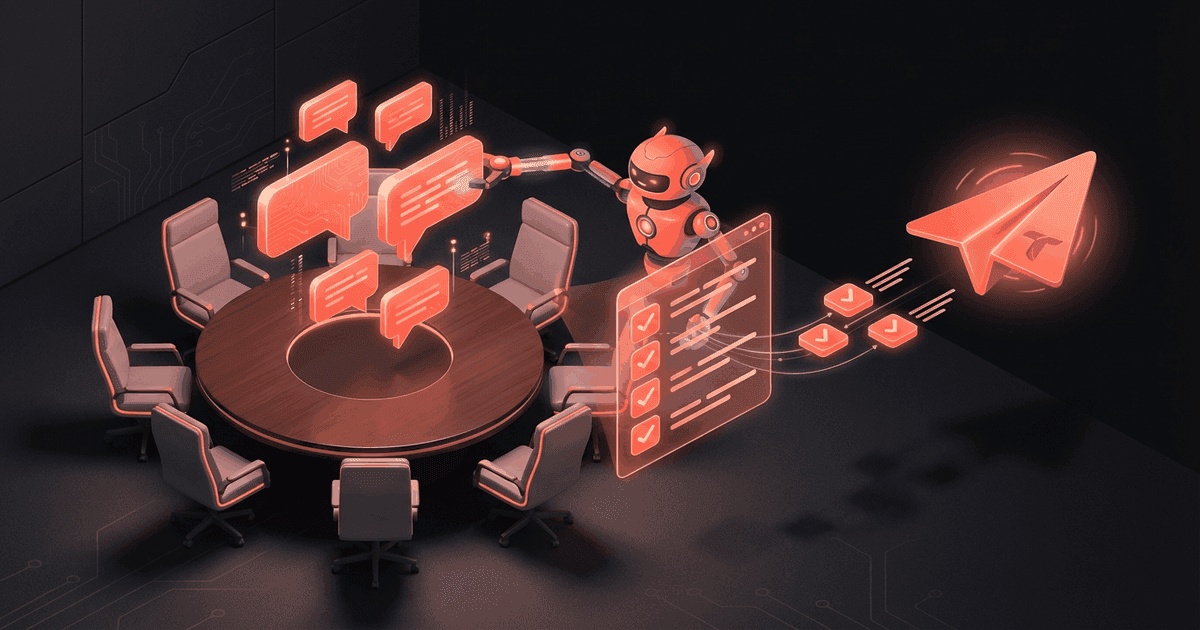
Reading about AI agents? RapidClaw gives you one that lives in Telegram & Discord, remembers everything, and runs your day — live in 60s, from $19/mo.
Get startedLast month I sat in a 45-minute client call where we made three major decisions and assigned five action items. Two days later, nobody could agree on what we'd actually decided. The client remembered it one way. My team remembered it differently. No one had written anything down because everyone assumed someone else was taking notes.
This happens constantly. It's not a memory problem — it's a systems problem.
How do you capture meeting outcomes without losing your mind?#
The standard advice is "take better notes." But anyone who's tried to actively participate in a meeting while simultaneously writing detailed notes knows those two things fight each other. You're either fully present in the conversation or you're transcribing. Rarely both.
Some teams designate a note-taker, but that person is half-checked-out of the actual discussion. Others record meetings and promise to "review the recording later" — which almost never happens because who has time to re-watch a 45-minute call?
Otter.ai and similar transcription tools help, but they give you a wall of text. You still have to read through the entire transcript to extract the three things that actually matter: what was decided, who's doing what, and what needs follow-up.
What I needed was something that could listen to the whole meeting and then hand me a clean, structured summary — not a transcript, but the distilled output. Decisions. Action items with owners. Follow-ups with dates. The stuff that actually drives work forward.
What does a meeting notes agent actually do?#
Here's the workflow I set up:
1. Feed it the transcript. After a meeting ends, I paste the transcript into Telegram (most video tools — Zoom, Teams, Google Meet — can export transcripts). Some people set up automatic forwarding so the transcript arrives without any manual step.
2. The agent extracts structured data. Not a summary of everything that was said — a structured extraction of what matters:
📋 Meeting: Acme Q2 Planning
📅 Feb 20, 2026 | 45 min | 4 participants

## Summary
Agreed to launch Phase 2 by March 15. Budget approved
at $45K. Sarah leading frontend, Marcus on backend.
Design review moved to weekly cadence.

## Decisions Made
1. Phase 2 launch date: March 15 (hard deadline)
2. Budget: $45K approved (was $38K, increased for QA)
3. Design reviews: weekly instead of biweekly

## Action Items
- [ ] Sarah: Frontend spec by Feb 25
- [ ] Marcus: API schema draft by Feb 24
- [ ] Durga: Send revised SOW to client by EOD
- [ ] Jen: Schedule weekly design review (recurring)

## Follow-ups
- Revisit QA timeline at next standup (Feb 22)
- Client sign-off on SOW needed before dev starts
- Marcus to flag if API changes affect mobile team

## Key Quotes
- "If we slip March 15, we lose the conference demo slot"
  — Sarah
- "Budget increase approved but flag me if it goes above $50K"
  — Client PM
3. Pushes the summary to Telegram. I get it within 30 seconds of pasting the transcript. My team gets it too if I add them to the group.
4. Creates tasks automatically. Each action item becomes a trackable item. The agent remembers them and follows up. Two days before Sarah's frontend spec is due, it'll nudge: "Sarah's frontend spec is due in 2 days. Want me to check in with her?"
5. Stores everything in memory. Three weeks from now, I can ask: "What did we decide about the Acme budget?" and get an instant answer pulled from the meeting extraction. No digging through Google Docs or Slack threads.
The real power shows up over multiple meetings. The agent starts connecting dots across calls:
💡 Pattern detected: Acme has mentioned timeline
concerns in 3 of the last 5 meetings. The March 15
deadline has been referenced as "hard" twice.
That kind of cross-meeting pattern recognition is something no human note-taker does consistently. You'd need a dedicated chief of staff reviewing all your meeting notes side by side.
How do you set this up?#
Two paths. The quick path: paste transcripts into Telegram manually after each call. Takes 10 seconds — just copy from your video tool and paste. The agent handles the rest.
The automated path: connect your meeting tool so transcripts flow in automatically. This depends on which video platform you use, but the common ones (Zoom, Teams, Meet) all have transcript export options that can be wired up.
On RapidClaw, you'd start with a blank agent or the Research Assistant template (which already has strong extraction capabilities) and tell it: "When I send you a meeting transcript, extract summary, decisions, action items, and follow-ups." The agent understands the instruction and applies it every time.
Setup takes about 2 minutes. No code. No configuration files.
Who is this for?#
Anyone who has more than 3 meetings a week and struggles to track what was decided.
Consultants working across multiple clients where each client expects you to remember their context. Project managers who need to turn meetings into actionable tickets. Founders who bounce between investor calls, team standups, and client demos in a single day.
It's especially useful if you're the kind of person who walks out of a meeting thinking "that was productive" and then two days later can't remember a single specific takeaway. Not because your memory is bad — because you're in 15 meetings a week and they all blur together.
How much does this cost?#
Dedicated meeting AI tools like Fireflies.ai or Otter.ai run $16-30/month per user, and they only do transcription and basic summaries. They don't create tasks, they don't follow up, and they don't remember context across meetings.
A human note-taker or VA for meeting management costs $2,000-5,000/month depending on how many meetings you have.
RapidClaw starts at $19/month with AI credits included. The meeting notes agent is one of potentially many agents you run on the same plan — you're not paying per-feature.
Frequently Asked Questions#
Do I need to record meetings for this to work?#
You need a transcript, not a recording. Most video tools (Zoom, Teams, Google Meet) can generate transcripts automatically. You paste the transcript text into Telegram. If your meeting tool doesn't do transcripts, you can use any speech-to-text service to generate one from the audio.
How accurate are the extracted action items?#
Very accurate for well-structured meetings where people say things like "I'll handle the API schema by Friday." Less accurate for vague meetings where nobody commits to specifics — but that's a meeting culture problem, not an AI problem. The agent will flag ambiguous items: "Marcus mentioned looking into the API issue but no deadline was specified. Should I set a follow-up?"
Can the agent join my meetings live?#
The agent doesn't join calls directly — it processes transcripts after the meeting. This is intentional. Live processing adds latency, and most people don't need real-time extraction. You need it 5 minutes after the meeting, not during it.
Can it handle multiple meeting formats?#
Yes. It works with any text transcript — Zoom's auto-transcript, Teams meeting notes, Google Meet transcripts, even manually typed notes. The format doesn't matter as long as the content is there. The agent adapts to whatever you give it.
What happens to the meeting data?#
Everything stays in your agent's memory on RapidClaw's infrastructure. Your transcripts aren't used to train models or shared with anyone. You can ask the agent to delete specific meeting records anytime.
Give the busywork to an agent that remembers you
RapidClaw deploys your personal AI agent to Telegram & Discord in 60 seconds — it learns your world, briefs you every morning, and gets smarter every day. Credits included, no API keys, no servers.
Get started — from $19/moRelated Posts
Build in Public on Autopilot: AI-Powered Personal Brand Publishing
Building in public works but consistent posting is exhausting. An AI agent captures your updates, drafts social posts, and schedules publishing across platforms.
Stop Dropping Balls: How an AI Agent Manages My Multi-Client Priorities
4 clients, 3 internal projects, a team of 6. Something always slipped through. I built an AI agent that tracks everything and nudges me before things drop.
My Morning Briefing Agent Replaced 8 Apps I Used to Check Every Day
I used to open 8 apps every morning. Now I get one Telegram message at 7am with everything I need to know. Here's exactly what it looks like.
Stay in the loop
New use cases, product updates, and guides. No spam.