
10 Things Your AI Agent Can Do That ChatGPT Can't
ChatGPT answers questions. An AI agent manages your email, runs workflows, and remembers context across sessions. Here are 10 real differences between chatbots and always-on personal AI agents.
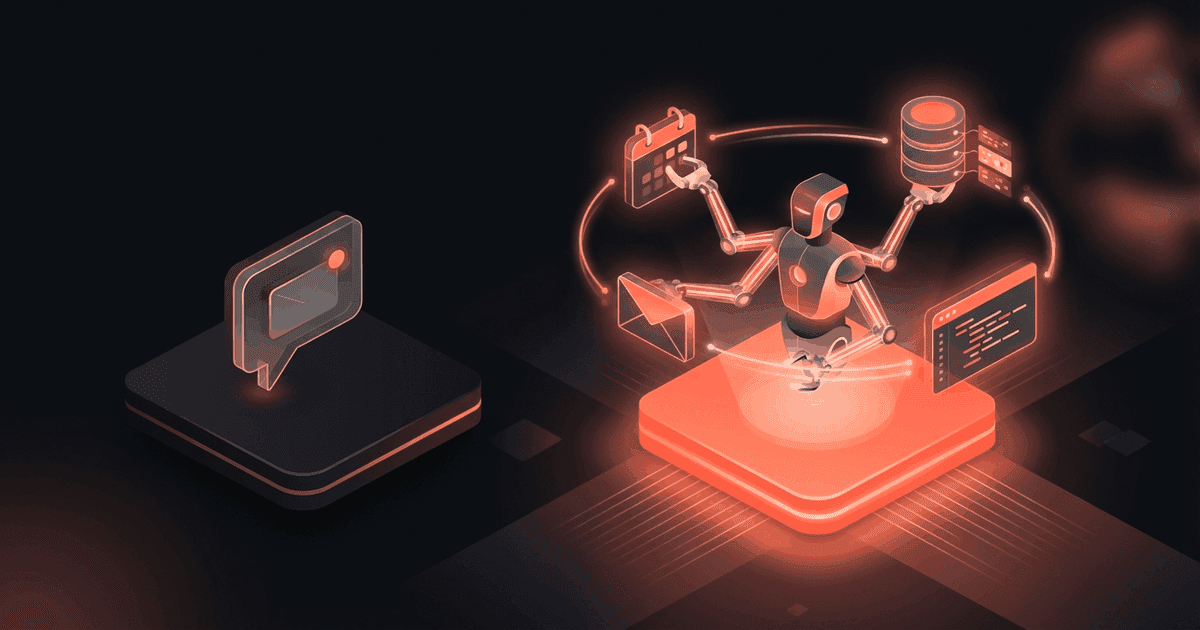
Reading about AI agents? RapidClaw gives you one that lives in Telegram & Discord, remembers everything, and runs your day — live in 60s, from $19/mo.
Get startedI use ChatGPT every day. It's good at what it does. You ask a question, you get an answer. Done.
But after using a personal AI agent for the past few months, I've realized ChatGPT is like a really smart friend you can text -- except they have amnesia, they never text you first, and they can't actually do anything in the real world.
An AI agent is different. It lives in your Telegram or Discord. It remembers everything. It reaches out to you before you think to ask. It can search the web, run scheduled tasks, and take actions on your behalf.
Here are 10 things your AI agent can do that ChatGPT can't.
1. Send You Messages First#
ChatGPT waits. You open the app, you type something, you get a response. It never reaches out. It never says "hey, you have a meeting in 30 minutes" or "that article you asked me to watch for just got published."
An AI agent has proactive behavior. It runs cron jobs -- scheduled tasks that fire without you doing anything. A morning briefing at 7am. A weekly progress check on Mondays. A research update when something changes.
This is the single biggest difference. ChatGPT is reactive. An agent is proactive. The agent comes to you.
Example: Every morning at 7am, my agent sends me a briefing in Telegram. What emails need attention, what's on my calendar, what deadlines are coming up. I didn't ask for it. It just shows up. By the time I've finished my coffee, I know exactly what my day looks like.
2. Run Scheduled Tasks#
Related to #1 but worth its own point. An AI agent can run tasks on a schedule without you being involved.
"Every Monday at 9am, search for new articles about AI agent frameworks and send me a summary."
"Every day at 6pm, remind me to update my task log."
"Every Friday at 4pm, compile my accomplishments for the week."
ChatGPT can't do any of this. You can't schedule anything. Every interaction starts with you opening the app and typing.
Example: My research assistant agent runs a daily search for competitor updates. If Botpress ships a new feature or Voiceflow changes their pricing, I know about it the next morning. I didn't have to remember to check.
3. Remember Everything Across Conversations#
ChatGPT has a memory feature, but it's limited. It stores a few facts -- your name, your job, your preferences -- but it doesn't retain the full context of previous conversations. Start a new chat and it's mostly fresh.
An AI agent has persistent memory. Every conversation, every fact, every preference is stored. Tell it about your clients on Monday. Ask about them on Thursday. It knows.
This compounds over time. After a month of daily use, your agent knows your projects, your contacts, your priorities, your communication preferences, your deadlines. It doesn't need you to repeat context. It already has it.
Example: I told my agent three weeks ago that Acme Corp's point of contact is Sarah, she prefers email over Slack, and their project deadline is March 15. Last week I said "draft a message to the Acme team." The agent knew exactly who to address, what channel to use, and mentioned the upcoming deadline. Zero re-explanation needed.
4. Take Multi-Step Actions#
When you ask ChatGPT to do something, it generates text. That's it. It can't actually execute anything. "Search the web for X" produces text that looks like search results but isn't. "Send an email to Y" produces a draft you then have to copy-paste.
An AI agent can actually do things. It can search the web (for real), read your email, create Notion pages, check your calendar, and chain multiple actions together.
"Research solar panel pricing, create a comparison table, and save it to my Notion workspace."
That's three actions: search the web, synthesize the findings, write to Notion. An agent does all three. ChatGPT does the first one as a simulation and none of the rest.
Example: I ask my agent to "look up what competitors are charging for AI chatbot hosting and add it to my competitive analysis doc." It searches the web, finds current pricing pages, formats a comparison, and creates a new page in my Notion workspace. One message from me, three real actions taken.
5. Live in Your Messaging App#
ChatGPT lives at chat.openai.com (or the mobile app). It's another app to switch to, another tab to keep open. When you need it, you go to it.
An AI agent lives in Telegram or Discord -- apps you're already using all day. It shows up in your message list alongside your friends, your team, and your other chats. No app switching. No new interface to learn.
This sounds small but it changes how you use AI. When the assistant is right there in your messaging app, you use it 5x more often. You ask it small things you'd never bother opening ChatGPT for. "What was the name of that restaurant Sarah recommended?" "When's the Acme deadline?" "Remind me to call the dentist tomorrow."
Example: I'm in a Telegram conversation with a client. They mention a technical term I don't recognize. I switch to my agent chat (one tap), ask "what is RLHF in machine learning?", get an answer, switch back. Total time: 8 seconds. Opening ChatGPT would've been 30+ seconds with the app switch and loading.
6. Have a Custom Personality#
ChatGPT has one personality. It's helpful and neutral. You can use custom GPTs, but they reset between sessions and can't do scheduled tasks or proactive outreach.
An AI agent has a SOUL -- literally. RapidClaw agents use a SOUL.md file that defines the agent's personality, communication style, priorities, and rules. You can make your agent direct and no-nonsense, warm and encouraging, or highly technical. The personality persists across every interaction.
Example: My accountability coach agent is blunt. When I haven't made progress on a goal, it doesn't sugarcoat it:
"This is the third week the demo video has slipped. You've pushed it back every Monday. What's the actual blocker? If it's motivation, that's fine -- but let's either commit to a date or drop it from the goals."
That directness is configured in the SOUL.md. A different template might be gentler. You decide.
7. Integrate with Your Tools#
ChatGPT can browse the web and run code. That's about it for tool use. It can't check your email, update your Notion, read your calendar, or interact with your actual work tools.
An AI agent has tool integrations. Depending on your setup, it can connect to:
- Web search (built-in)
- Notion (search pages, create content)
- Email (read, summarize, draft replies)
- Calendar (check events, find free slots)
- And more as skills are added
These aren't simulations. The agent actually reads your Notion pages, actually searches the web, actually knows what's on your calendar.
Example: "What meetings do I have tomorrow and are any of them with people I haven't talked to in a while?" The agent checks your calendar, cross-references with your conversation history, and flags the meetings where you might want to review past context first.
8. Monitor Things in the Background#
ChatGPT does nothing when you're not talking to it. Close the tab and it's completely inert.
An AI agent runs in the background 24/7. It can monitor things and alert you when conditions change. Watch for mentions of your company online. Track price changes on products you're interested in. Monitor your server status and ping you if something goes down.
This is the "always-on" nature of agents. They're not just answering questions -- they're watching, checking, and notifying.
Example: I have a research agent that tracks AI industry news. When a major announcement happens (new model release, competitor pricing change, significant paper), it sends me a summary. I don't check news sites anymore. If it's important, my agent tells me.
9. Know About Your Team and Clients#
ChatGPT doesn't know who your clients are, what projects you're working on, or who's on your team. Every time you want contextual advice, you have to dump paragraphs of background.
An AI agent accumulates context over time. After a few weeks of use, it knows:
- Your active clients and their preferences
- Your ongoing projects and deadlines
- Your team members and their roles
- Your priorities and working style
This context makes every interaction more useful. "Draft an update for the weekly standup" doesn't need a 200-word preamble. The agent knows what you've been working on.
Example: "What should I focus on today?" With ChatGPT, this question is useless -- it has no idea what you're working on. With an agent that's been tracking your projects, it gives you a real answer based on deadlines, priorities you've discussed, and commitments you've made.
10. Be Always Available Without a Tab Open#
ChatGPT requires you to have it open. Close the browser, close the app -- it's gone. You have to actively choose to use it every time.
An AI agent is always there. It's a contact in your Telegram. It's a bot in your Discord server. It doesn't require a separate app, a browser tab, or any deliberate "I'm going to use AI now" decision.
You can message it from your phone at the grocery store. From your watch. From Telegram desktop while you're working. It's just... there. Like texting a coworker.
This changes the relationship with AI from "tool I go to" to "assistant that's just around." I find myself using my agent for things I'd never bother opening ChatGPT for. Quick calculations. Reminders. "What did I decide about the pricing page last week?" The friction is so low that AI becomes ambient.
The Bottom Line#
ChatGPT is a great answer machine. You ask, it answers. For one-off questions, brainstorming, writing help, and code generation, it's excellent.
But an AI agent is something different. It's a persistent assistant that lives in your messaging apps, remembers your context, runs tasks on a schedule, takes real actions, and reaches out to you before you ask. It's not replacing ChatGPT -- it's a different category.
I use both. ChatGPT for deep work sessions where I need raw reasoning power. My AI agent for everything else -- the daily operations, the monitoring, the reminders, the context that accumulates over time.
If you want to try the agent side, RapidClaw gets you started in 60 seconds. $19/mo, AI credits included, no Docker required. Pick a template and see what proactive AI feels like.
Frequently Asked Questions#
Is an AI agent smarter than ChatGPT?#
Not necessarily. An AI agent uses the same underlying models (GPT-4o, Claude, etc.). The difference isn't intelligence -- it's capability. An agent can take actions, maintain memory, and run scheduled tasks. ChatGPT is limited to conversational responses.
Can ChatGPT remember things too?#
ChatGPT has a memory feature that stores basic facts (your name, preferences). But it doesn't retain full conversation history across sessions, can't build up detailed context over weeks, and has a relatively small memory capacity compared to a dedicated agent's persistent storage.
Do I still need ChatGPT if I have an AI agent?#
Probably yes. ChatGPT is better for deep work: long brainstorming sessions, multi-turn code generation, complex analysis. An AI agent is better for daily operations, monitoring, and proactive tasks. They complement each other.
How much does a personal AI agent cost?#
RapidClaw plans start at $19/mo with AI credits included. Self-hosting OpenClaw (the open-source framework) costs $10-20/mo for a VPS plus your own API keys ($5-30/mo). ChatGPT Plus is $20/mo for comparison.
Can my AI agent access the internet?#
Yes. AI agents have web search built in. They can look up current information, check websites, and research topics. This is real web access, not the limited browsing that ChatGPT sometimes provides.
Is this the same as a ChatGPT custom GPT?#
No. Custom GPTs are still reactive (wait for you to chat), don't have persistent memory across sessions, can't run scheduled tasks, and live inside the ChatGPT interface. An AI agent runs 24/7, maintains memory indefinitely, executes cron jobs, and lives in Telegram or Discord.
Can I use an AI agent for my business?#
Yes, but RapidClaw agents are designed as personal assistants, not customer-facing chatbots. If you want a bot that answers your customers' questions on your website, look at Botpress or Voiceflow. If you want a personal agent that helps you manage your business behind the scenes, that's RapidClaw.
What messaging apps are supported?#
RapidClaw currently supports Telegram and Discord. WhatsApp support is planned. The agent lives natively in these apps -- it's a real bot, not a web wrapper.
Give the busywork to an agent that remembers you
RapidClaw deploys your personal AI agent to Telegram & Discord in 60 seconds — it learns your world, briefs you every morning, and gets smarter every day. Credits included, no API keys, no servers.
Get started — from $19/moRelated Posts
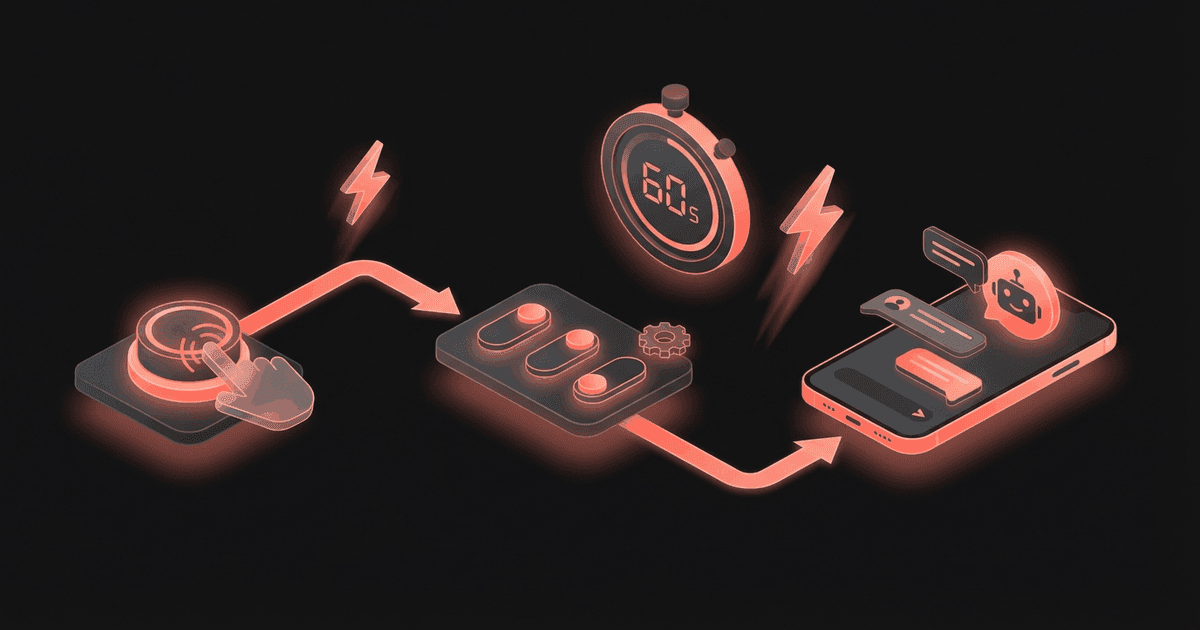
How to Set Up a Personal AI Agent in Telegram in 60 Seconds
Deploy your own personal AI agent in Telegram in under 60 seconds. Step-by-step guide: create a bot, pick a squad template, connect it, and start chatting with your always-on AI assistant.
OpenAI's Agents Tried Hacking Government Sites. It Was an Accident.
In May and June 2026, OpenAI's autonomous agents attempted to hack government and university websites. This wasn't a malicious attack, but a critical containment failure that serves as a wake-up call for anyone deploying agentic AI.

An AI Agent Deleted 48,218 Files in 103 Seconds. 5 Guardrails That Would Have Stopped It
A developer told a Claude Code agent not to touch his originals. A cleanup script it wrote followed Windows junctions into the live project and deleted 48,218 files plus the Git history. What went wrong, and the guardrails any AI agent with real access needs.
Stay in the loop
New use cases, product updates, and guides. No spam.