
How AI Agents Can Manage Your Project Board From Telegram
Your project board is stale. Tasks are stuck. Nobody updates status. Here's how an AI agent does bidirectional project sync from Telegram.
Reading about AI agents? RapidClaw gives you one that lives in Telegram & Discord, remembers everything, and runs your day — live in 60s, from $19/mo.
Get startedHere's a pattern I've lived through dozens of times: a team picks a project management tool (Linear, Jira, Notion, Asana — pick your poison). For the first two weeks, everyone updates their tasks religiously. By week three, half the board is out of date. By month two, the board is a graveyard of stale tickets that nobody trusts.
The board isn't the problem. The friction of switching context to update the board is the problem.
How do you keep a project board accurate without constant nagging?#
People don't update project boards because it requires stopping what they're doing, opening another app, finding the right ticket, changing a dropdown, and maybe writing a comment. That's 30-60 seconds of context switching per update, multiple times a day. It adds up, and it's boring, so people skip it.
Project managers try to compensate with standups ("what did you do yesterday?"), Slack pings ("can you update your tickets?"), and weekly board reviews. All of this is overhead that exists purely because the tool is too far from where work happens.
The fix isn't a better project tool. It's meeting people where they already are. For most teams I've worked with, that's a chat app. Everyone has Telegram or Discord open all day. Nobody has their project board open all day.
What if you could manage your entire board from the chat app you're already staring at? Create issues, check sprint status, move tasks, get daily digests — all without opening Linear or Jira once.
What does a project management agent actually do?#
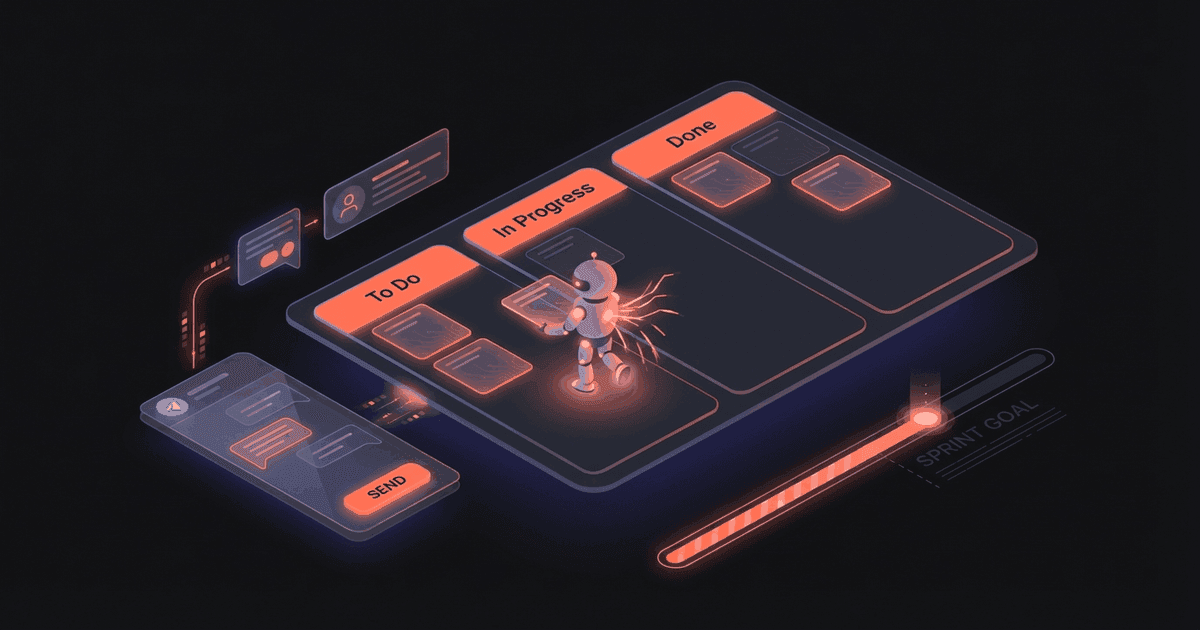
The agent sits in Telegram and acts as a two-way bridge to your project board. You talk to it in plain English. It translates that into API calls.
Sprint status on demand:
You: What's our sprint looking like?

Agent: Sprint "Feb W4" — 7/12 done (58%)

✅ Completed (7):
• API rate limiting — Marcus
• Dashboard chart component — Sarah
• Email template redesign — Durga
• User settings page — Sarah
• Webhook retry logic — Marcus
• Database index optimization — Marcus
• Mobile nav fix — Jen

🔄 In Progress (3):
• Payment flow refactor — Durga (started 2 days ago)
• Search feature — Jen (started today)
• Admin panel — Sarah (blocked — waiting on API schema)

⏳ Todo (2):
• Performance audit
• Documentation update

⚠️ Sarah's "Admin panel" is blocked. She noted:
"Need the new API schema from Marcus before I can
start the admin endpoints."
Create issues from Telegram:
You: Create issue: Add CSV export to analytics
     dashboard. Priority high. Assign to Jen.

Agent: Created LIN-847 "Add CSV export to analytics
dashboard"
→ Priority: High
→ Assignee: Jen
→ Sprint: Feb W4
→ Status: Todo
Move tasks:
You: Move "payment flow refactor" to done

Agent: Moved LIN-832 "Payment flow refactor" to Done ✅
Sprint progress: 8/12 (67%)
Daily sprint digest (sent automatically each morning):
📋 Sprint Digest — Feb 24

Yesterday:
• Marcus completed "Webhook retry logic"
• Jen started "Search feature"
• No new blockers

Today's Focus:
• Durga: Payment flow refactor (day 3)
• Jen: Search feature (day 2)
• Sarah: Admin panel (still blocked)

Sprint Burn: 8/12 done, 4 days remaining
Velocity needed: 1 task/day to close on time ✅
Weekly velocity report (sent Friday):
📊 Weekly Sprint Report — Feb W4

Completed: 8 tasks (was 12 planned)
Carry-over: 4 tasks → next sprint
Velocity: 8 pts (avg last 4 weeks: 9.5)

By person:
• Marcus: 3 tasks ✅
• Sarah: 2 tasks ✅ (1 blocked)
• Durga: 2 tasks ✅
• Jen: 1 task ✅ (joined mid-sprint)

Blockers this week:
• API schema dependency delayed Admin panel by 3 days
• Recommendation: Create API schema task as Sprint W5
  P0 to unblock Sarah
The bidirectional part is key. It's not just read-only status checks. You can create, update, move, comment on, and close issues entirely from Telegram. The project board stays accurate because updating it takes 5 seconds of typing instead of 30 seconds of app-switching.
And the automated digests mean nobody has to ask "what's the sprint status?" in standup. Everyone already knows before the meeting starts.
How do you set this up?#
Connect your project management tool. Currently the agent works best with Linear (GraphQL API — very clean), but it can also work with Jira, Notion databases, and GitHub Projects through their respective APIs.
The connection flow:
1. Start your RapidClaw agent
2. Give it your Linear API key (or connect via OAuth)
3. Tell it which team/project to track
4. Set up daily digest timing (e.g., 9am)
5. Start chatting — "What's overdue?" works immediately
On RapidClaw, you can use the agent's natural language understanding right away. No command syntax to memorize. Just type what you want in plain English.
The agent figures out intent from context. "What's Marcus working on?" and "Show me Marcus's tasks" and "Marcus status" all do the same thing.
Who is this for?#
Engineering leads and project managers who are tired of stale boards and daily standup theater. Solo developers juggling multiple projects who need a single command to check status across all of them.
Freelancers managing multiple client projects who want one place to see everything — not five different Notion boards or Trello workspaces.
Small teams (2-8 people) where nobody wants to be the "Jira cop" constantly nagging people to update their tickets. The agent does that job automatically, without the social friction.
If your standup regularly starts with "let me pull up the board... okay, some of these are outdated..." — this agent fixes that.
How much does this cost?#
Jira and Linear are $7-10/seat/month, but the tool isn't the problem — the problem is nobody uses it consistently. Hiring a project coordinator to keep boards accurate costs $3,000-6,000/month.
Some teams try Slack/Discord bots from their PM tools, but those are notification-only (one-way). You get pinged when something changes but you can't update from chat.
RapidClaw starts at $19/month. The agent does bidirectional sync, daily digests, and natural language commands. AI credits included.
Frequently Asked Questions#
Which project management tools does this work with?#
Linear has the best integration (clean GraphQL API). Jira, Notion databases, GitHub Projects, and Asana also work. The agent uses the tool's API to read and write data. If your tool has a REST or GraphQL API, the agent can probably talk to it.
Can the agent create issues from meeting notes?#
Yes, and this is one of the most useful combos. If you're also running a meeting notes agent (or using the same agent for both), action items from meetings can automatically become tickets. "Sarah: Frontend spec by Feb 25" becomes a Linear issue assigned to Sarah with a Feb 25 due date.
Does it work for multiple projects?#
Yes. You can track multiple projects or teams in the same agent. Ask "what's overdue across all projects?" and it gives you a consolidated view. This is especially useful for consultants or leads managing multiple workstreams.
Will it annoy my team with notifications?#
The agent only messages you (or your team channel if you set one up). It doesn't DM individual team members unless you explicitly configure that. The daily digest goes to whoever opted in.
Can I customize the sprint digest format?#
Completely. Tell the agent what you want in the digest and it adjusts. "Skip the velocity section" or "add a risk assessment" — the format is flexible because the agent generates it fresh each time, not from a rigid template.
Give the busywork to an agent that remembers you
RapidClaw deploys your personal AI agent to Telegram & Discord in 60 seconds — it learns your world, briefs you every morning, and gets smarter every day. Credits included, no API keys, no servers.
Get started — from $19/moRelated Posts

Stop Dropping Balls: How an AI Agent Manages My Multi-Client Priorities
4 clients, 3 internal projects, a team of 6. Something always slipped through. I built an AI agent that tracks everything and nudges me before things drop.

My Morning Briefing Agent Replaced 8 Apps I Used to Check Every Day
I used to open 8 apps every morning. Now I get one Telegram message at 7am with everything I need to know. Here's exactly what it looks like.
Why Every Knowledge Worker Needs an AI Research Assistant in Telegram
An AI research agent that searches, synthesizes, and delivers structured briefings to your Telegram. Research that used to take hours now takes minutes.
Stay in the loop
New use cases, product updates, and guides. No spam.