
Building a Second Brain That Actually Works: AI Knowledge Base via Chat
Notes scattered across 5 apps? An AI agent stores your knowledge, connects ideas, and retrieves anything on demand via natural language in Telegram.
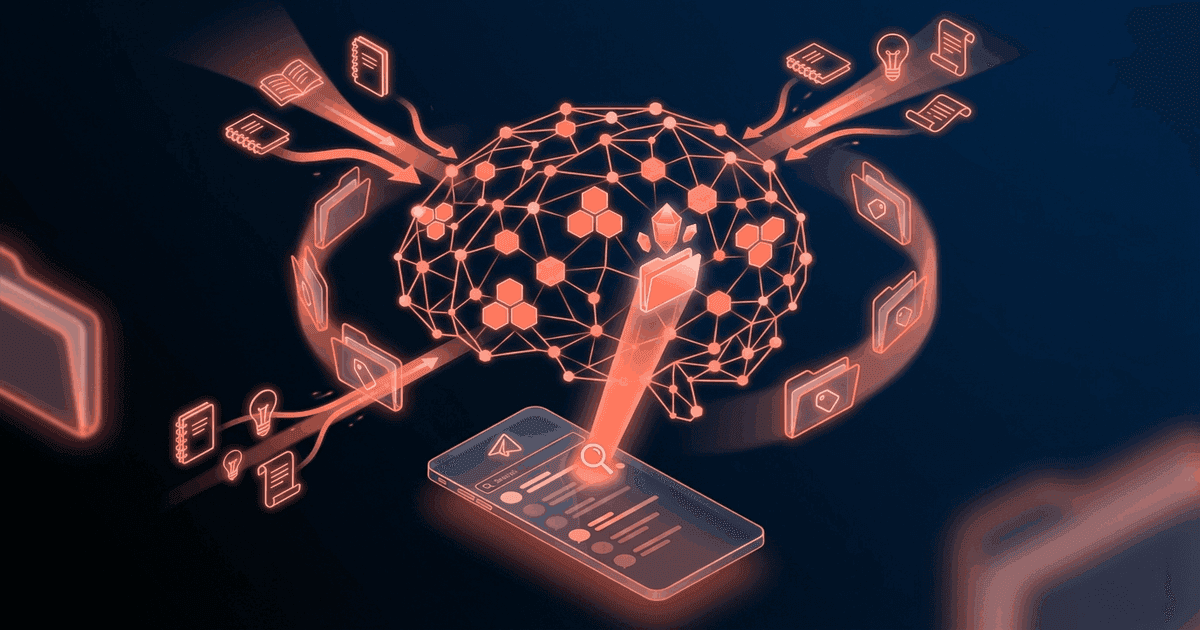
Reading about AI agents? RapidClaw gives you one that lives in Telegram & Discord, remembers everything, and runs your day — live in 60s, from $19/mo.
Get startedYou read a brilliant article about pricing strategy last month. It had this one framework — something about anchoring and tier design — that would be perfect for the proposal you're writing right now. But you can't find it. Was it in Notion? Pocket? A screenshot in your camera roll? A browser bookmark? You spend 20 minutes searching and eventually give up and Google it from scratch.
This happens to me constantly. Or it did, until I stopped trying to organize notes and started dumping everything into an AI agent that organizes them for me.
Why do second brain systems always fail?#
Tiago Forte's "Building a Second Brain" sold a million copies. Everyone got excited. And then almost everyone's system slowly died.
The reason is simple: traditional second brain systems require you to do the organizing. You read an article, you highlight the good parts, you file it into the right folder, you tag it, you write a summary. Each step adds friction. And friction kills habits.
I've tried all of them. Notion databases with 14 properties. Readwise with automatic syncing. Obsidian with a carefully designed folder structure and backlinks. Apple Notes for quick capture. Each system worked beautifully for about six weeks. Then the maintenance burden crept up. The inbox filled with uncategorized items. The tags got inconsistent. I'd open the app, see the mess, and close it.
The fundamental flaw is this: note-taking systems ask you to be a librarian. But most of us aren't librarians. We're people who encounter interesting information throughout the day and need to retrieve it later. The capture part is easy. The organizing and retrieval is where everything breaks down.
What I actually wanted was embarrassingly simple. I want to throw information at something and ask for it back later in plain English. No folders. No tags. No inbox zero for my notes. Just "here's a thing" and later "what was that thing about pricing?"
That's exactly what an AI knowledge base agent does.
What does the second brain agent do?#
The agent lives in Telegram. You send it things. It remembers them. You ask for things back. It finds them. That's the core — and it's intentionally simple.
Zero-friction capture. See an interesting article? Forward the link to your agent. Had an insight during a walk? Voice-message it (or type a quick note). Finished a client call? "Key takeaway from the Acme call: they're restructuring their engineering org, timeline is Q2, main concern is maintaining velocity during the transition." The agent stores everything. You don't need to categorize, tag, or file anything.
Automatic extraction and indexing. When you send a link, the agent reads the page and extracts the key points. When you send a raw thought, it stores it with context (timestamp, topic inference). Over time, your knowledge base builds itself. The agent handles the librarian work — recognizing topics, linking related information, and maintaining searchable structure — so you don't have to.
Natural language retrieval. This is the part that makes it feel like magic. "What do I know about LLM pricing models?" pulls everything relevant: the article you sent last month, the notes from your research session, the pricing data from that competitor analysis. The agent synthesizes across all sources and gives you a coherent answer. Not a list of links. An actual synthesis.
Cross-referencing and connections. Send the agent an article about agent orchestration patterns, and it might respond: "This connects to the research you saved on February 10 about multi-agent architectures. Both papers reference the same supervisor-worker pattern." These connections happen automatically. You didn't manually create a backlink. The agent noticed the conceptual overlap.
Temporal queries. "What did I save last week?" works. "What insights have I captured about marketing in the last month?" works. Your knowledge base has a timeline, so you can browse it chronologically or by topic or both.
Feed into other workflows. If you're also running a research agent or a morning briefing agent through RapidClaw, the knowledge base feeds into them. Your morning briefing can reference recent additions. Your research agent can pull from your stored knowledge. The second brain becomes a foundation layer that makes every other agent smarter.
No maintenance required. There's no inbox to process, no tags to clean up, no folder structure to maintain. The agent manages everything internally. You interact with it through conversation, not through a UI with 47 buttons. The most liberating part? There's no "right way" to use it. Just send stuff. Ask for stuff. Done.
The compound effect is real. After one month, I had about 200 items stored. By month three, the agent was making connections I'd never noticed. It turned my scattered reading habits into an actual, searchable knowledge base — without me changing any of my behaviors except adding "forward to the bot" to my routine.
How do you set up a second brain agent?#
It's one of the simplest templates on RapidClaw. Select "Knowledge Base / Second Brain" from the template gallery, connect Telegram, activate. Done in about 60 seconds.
There's no configuration required. The agent works out of the box. The first thing it'll do is ask what topics you're interested in — this helps it prioritize and categorize early inputs — but even that step is optional. You can skip it and just start sending things.
Some users spend 15 minutes in the first session "bootstrapping" the agent by sending a batch of important links, notes, or key insights they want to preserve. This is optional but gives the agent a head start.
Who is this for?#
Curious people who read a lot and want to actually use what they read later. Consultants who accumulate domain knowledge across multiple clients and need to recall it on demand. Researchers who track ideas across topics. Founders who absorb information from dozens of sources weekly.
It's especially useful if you've tried and abandoned other note-taking systems. If Notion, Obsidian, or Roam didn't stick for you, this agent sidesteps the reasons they failed — it doesn't require you to organize anything.
Less useful if you already have a functional PKM system you're happy with. If Obsidian is working great for you, keep using it. This is for the people whose systems stopped working.
How much does a second brain cost?#
Notion is free but requires manual organization. Readwise is $8/month for highlights. Mem (AI-powered notes) is $15/month. Obsidian is free but requires significant setup time.
RapidClaw starts at $19/month with AI credits included. The knowledge base agent is one of many templates in your plan. The difference from dedicated note apps: you don't manage the system. The AI does the organizing, connecting, and retrieval. Your only job is to send things to Telegram.
Frequently Asked Questions#
How much information can the knowledge base store?#
The agent uses RapidClaw's built-in memory system, which is designed for long-term storage at scale. Thousands of items across months of use is normal. There's no hard item limit — your usage is governed by the AI credits on your plan, which cover both storage interactions and retrieval queries.
Can I export my knowledge base if I leave?#
Your data belongs to you. The agent stores information in a structured format that can be exported. You won't get locked into a proprietary vault with no exit. The specific export format depends on the data type, but text content, links, and summaries are all portable.
Does the agent understand images and PDFs?#
The agent processes text, links (it reads the page content), and voice messages (transcribed and stored). PDF support depends on the document — text-based PDFs work well, scanned image PDFs are hit-or-miss. Direct image understanding is limited to what the underlying AI model can interpret.
Is my data private?#
Your knowledge base is private to your agent instance. Other users can't see or access your stored information. RapidClaw runs each agent as an isolated instance with its own memory. Check the privacy policy for details on data handling and retention.
How is this different from just using ChatGPT?#
Three big differences. First, persistent memory — ChatGPT conversations are isolated and have limited memory. Your agent remembers everything you've ever sent it, permanently. Second, proactive connections — the agent links related information automatically, which ChatGPT doesn't do. Third, it lives in Telegram, so capture is instant. No opening a browser, navigating to chat.openai.com, and hoping your previous conversation is still accessible.
Give the busywork to an agent that remembers you
RapidClaw deploys your personal AI agent to Telegram & Discord in 60 seconds — it learns your world, briefs you every morning, and gets smarter every day. Credits included, no API keys, no servers.
Get started — from $19/moRelated Posts
Stop Dropping Balls: How an AI Agent Manages My Multi-Client Priorities
4 clients, 3 internal projects, a team of 6. Something always slipped through. I built an AI agent that tracks everything and nudges me before things drop.
My Morning Briefing Agent Replaced 8 Apps I Used to Check Every Day
I used to open 8 apps every morning. Now I get one Telegram message at 7am with everything I need to know. Here's exactly what it looks like.
Why Every Knowledge Worker Needs an AI Research Assistant in Telegram
An AI research agent that searches, synthesizes, and delivers structured briefings to your Telegram. Research that used to take hours now takes minutes.
Stay in the loop
New use cases, product updates, and guides. No spam.