
Google's MCP for Android Means Your Phone Apps Talk to AI Now
Google announced MCP for Android via AppFunctions, letting AI agents discover and control your phone apps. Here's why this changes mobile AI workflows.
Reading about AI agents? RapidClaw gives you one that lives in Telegram & Discord, remembers everything, and runs your day — live in 60s, from $19/mo.
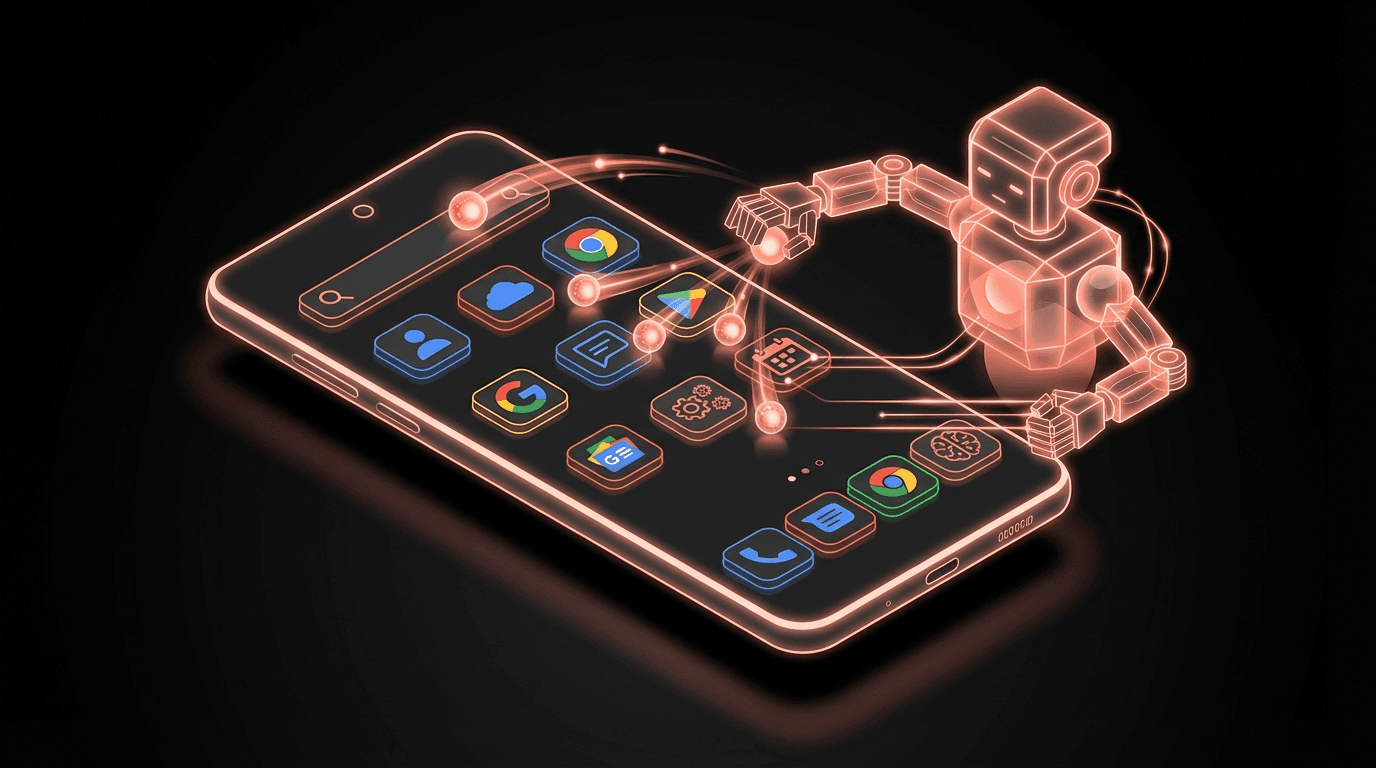
Get startedGoogle just turned every Android app into a potential API for AI agents. Their new AppFunctions framework brings MCP (Model Context Protocol) to Android, which means AI agents can discover what your phone apps can do and use them directly. No screen tapping. No app navigation. Just natural language to action. Jorge Castillo's post about it pulled 2,500 likes and 262 retweets, which tells me developers immediately understood the implications.
I've been building AI agents for months and this is the first mobile announcement that made me stop and rethink my roadmap.
What does MCP for Android actually do?#
MCP is a protocol that lets AI agents discover and interact with external tools. Anthropic created it, and it's been spreading through the developer tool ecosystem for a while now. But until this announcement, MCP was mostly a desktop and server-side thing. Your agent could talk to APIs, databases, local files. Not your phone.
Google's AppFunctions changes that. Android app developers can now expose specific capabilities from their apps using the MCP standard. A banking app could expose "check balance" and "transfer money" as functions. A fitness app could expose "log workout" and "get weekly summary." A calendar app could expose "create event" and "find free slots."
The agent doesn't need to know how the app works internally. It discovers available functions through MCP, understands the parameters each function needs, and calls them. The app handles the execution and returns results. From the agent's perspective, every MCP-enabled Android app is just another tool it can use.
This is different from Android's existing accessibility-based automation. Tools like Tasker or MacroDroid work by simulating screen taps. They're brittle. UI changes break them. They can't handle complex multi-step flows reliably. AppFunctions is a structured interface. The app explicitly declares what it supports, with typed inputs and outputs. It's the difference between screen-scraping a website and calling its API.
The rollout will be gradual. App developers need to implement AppFunctions in their apps. Google's own apps will probably come first, then major third-party apps, then the long tail. I'd guess we'll see meaningful coverage within 6 to 12 months for the top 200 Android apps.
One thing that isn't clear yet: how permissions work at the agent level. If an agent can call your banking app's "transfer money" function, what approval flow does the user go through? Google hasn't detailed this fully. I expect it'll be similar to OAuth scopes where the agent requests access to specific functions and the user approves once. But the details matter a lot here, and getting them wrong would be a disaster.
Why should you care?#
If you're building AI agents, this is a distribution channel you didn't have last week. Your agent could now interact with the apps your users already have installed on their phones. Think about what that means practically.
A personal finance agent could check your bank balance, review your spending in your budgeting app, and create a savings plan. All through natural language, all on your phone. Today that agent would need custom API integrations with each banking service. With AppFunctions, the bank's own app handles the integration.
For mobile-first markets, this is even bigger. In regions where people do everything on their phones and rarely touch a laptop, agents that can only interact with web APIs miss most of the user's digital life. AppFunctions puts the phone's entire app ecosystem within reach.
I think this also accelerates the shift from "assistant apps" to "assistant layers." Right now, every company building an AI assistant ships it as a separate app. You end up with fifteen assistant apps that each do one thing. The MCP model means one agent can orchestrate all of them. Your single AI agent becomes the interface to your entire phone.
The competitive angle is interesting too. Apple hasn't announced anything equivalent. Siri Shortcuts is the closest thing on iOS, and it's nowhere near as flexible as MCP. If Android becomes the platform where AI agents work best, that's a real differentiator for the first time in years. Google needed a reason for developers to care about Android beyond market share. This might be it.
For founders building agent platforms, the question is whether to invest in Android-specific integrations now or wait for the ecosystem to mature. I'm somewhere in the middle. The protocol is right, the timing is early, and the app coverage will be thin for a few months. But being ready when coverage hits critical mass matters.
What I'm doing about it#
RapidClaw agents currently live in Telegram and Discord, which are great for desktop and cross-platform workflows. But a lot of our users are phone-first. They interact with their agents primarily from their phone's Telegram app.
AppFunctions opens a path where a RapidClaw agent could interact with the user's installed Android apps. Imagine telling your morning briefing agent "check my calendar and my fitness app, then give me my daily plan." The agent already handles the briefing logic. Now it could pull data from apps that previously had no API access.
I'm not building this tomorrow. The ecosystem needs to develop first, and I want to see how the permission model shakes out. But I've started designing how our MCP integration layer could extend to mobile app functions. The architecture where each agent capability is a tool that gets discovered via MCP maps cleanly onto what Google is proposing.
My bet: within a year, "works with your phone apps" will be a standard feature that agent platforms need to support. Planning for it now avoids a painful retrofit later.
Who should pay attention#
Android app developers should start implementing AppFunctions now, especially if you have a productivity, finance, health, or communication app. Being early means AI agents will use your app first, which drives engagement you didn't have to build. Agent platform founders need to think about mobile integration strategy. And if you're a user who's been waiting for AI to actually do things on your phone instead of just chatting, this is the announcement that starts making that real.
Frequently asked questions#
What is MCP for Android?#
MCP (Model Context Protocol) for Android is Google's AppFunctions framework that lets Android apps expose their capabilities to AI agents. Instead of an agent simulating screen taps, apps declare specific functions that agents can call directly with structured inputs and outputs. It's essentially an API layer that turns every participating Android app into a tool an AI agent can use.
Which Android apps support MCP right now?#
As of March 2026, AppFunctions is newly announced and adoption is early. Google's first-party apps are expected to lead the rollout. Third-party app support will grow as developers implement the framework. Expect meaningful coverage of major productivity and utility apps within 6 to 12 months.
How is this different from Siri Shortcuts or Google Assistant routines?#
Siri Shortcuts and Google Assistant routines are user-configured automations with fixed triggers and actions. MCP for Android is a protocol that lets AI agents dynamically discover and use app capabilities through natural language. The agent decides which functions to call based on context, rather than following a pre-built automation script. It's more flexible and doesn't require the user to set up each workflow manually.
I'm building RapidClaw to make AI agents accessible to everyone. Try it free.
Give the busywork to an agent that remembers you
RapidClaw deploys your personal AI agent to Telegram & Discord in 60 seconds — it learns your world, briefs you every morning, and gets smarter every day. Credits included, no API keys, no servers.
Get started — from $19/moRelated Posts
Android Just Got Official AI Agent Tools — What Developers Need to Know
Google's Android team announced official tools for building AI agents on Android. The @AndroidDev post pulled 246 likes. Here's what the tools do, why they matter, and what comes next.

30 CVEs in 60 Days: The MCP Security Crisis Nobody Secured Before Shipping
38% of MCP servers have zero authentication. 7,000+ servers analyzed, CVSS 9.8 exploits in the wild. The protocol connecting AI agents to your tools was built for functionality, not security.
Google Gemma 4 Runs AI Agents on Your Phone. The Cloud Just Lost Its Moat.
Google's Gemma 4 runs autonomous AI agents on phones and Raspberry Pis. No API calls. No cloud bill. No latency. The implications for edge AI are massive.
Stay in the loop
New use cases, product updates, and guides. No spam.